The text that I chose to read were extracts from a bird watching guide. I first thought of using the guide when making my field recordings from inside a bird hide, a bird hide obviously being a space purpose built for birdwatching. Inside the bird hide there was an information board with posters displaying the most common birds that either live within the reserve or can be seen there. It was only after I’d left the reserve when the idea cross my mind. Luckily, I remembered that I had an old birdwatching guide laying around the house somewhere. There are over a thousand species of birds in this guide so to make the process of choosing extracts to read from much faster, I chose four of the most common birds that are found in the reserve during autumn. These birds are, the Magpie, the Mallard, the Blackbird and the Great Tit.
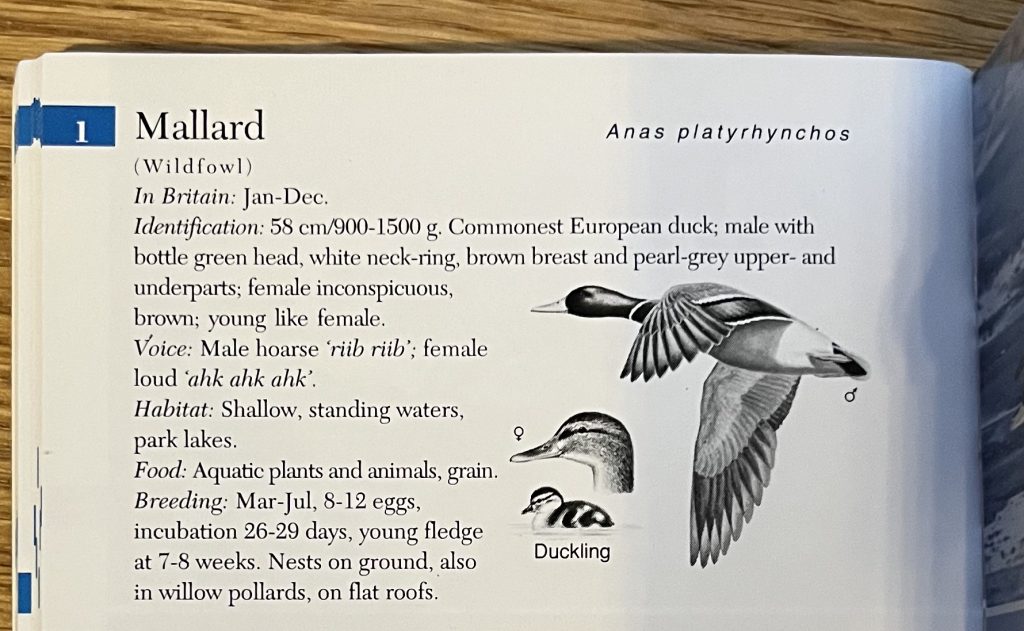
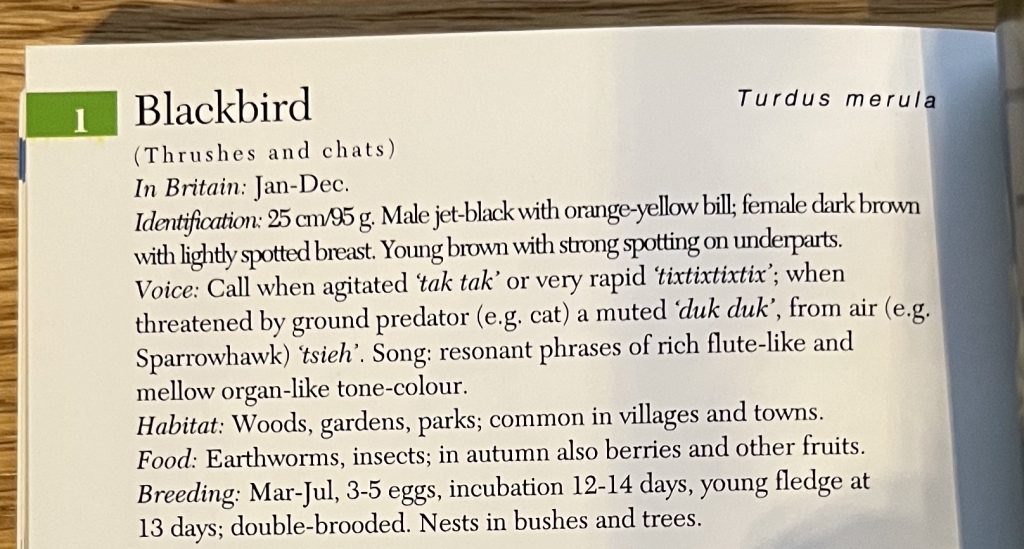
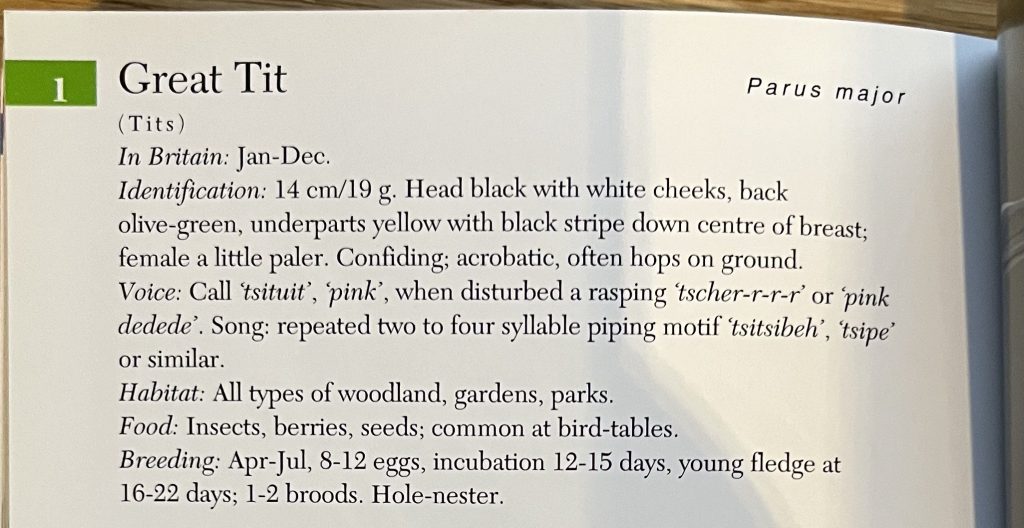
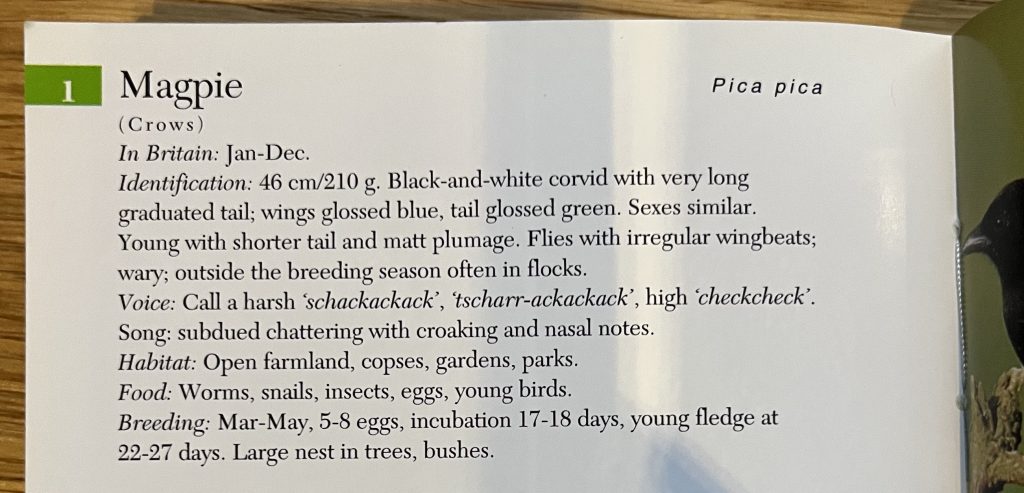
I wanted to use the text within my piece to emphasise the wildlife found in the reserve and, to also add to the sense of place being conveyed. To achieve this, I read the identification section for each bird, this also helped to add a bit of continuity as the criteria for identifying each bird was the same.
To record the spoken text I used a Shure SM7B microphone, this is a dynamic microphone that is often used to record for podcasts. I recorded myself reading the text directly into the same Ableton project that I was making my piece in. Recording into Ableton makes gain staging before recording much easier as Ableton has live monitoring when using audio inputs. As the SM7B is a dynamic microphone, it is less sensitive and requires more gain on the preamp of the audio interface I was using. Fortunatley I was in a quiet room, meaning my recordings were free from any background noises and almost ready to use straight away.