As is often the case with field recordings, the bulk of what I had recorded wasn’t brilliant. Certainly not good enough to be used in my final project anyway. The process of cleaning up field recordings is somewhat tedious, I started with listening to all my recordings in full, in case there were any hidden gems buried beneath all that wind and white noise. Most of the time you could just import the audio file into a DAW and use the waveform as a guide to look for where any sound is. However, as I had made some of my recordings with the microphones gain turned down, I had to listen to all the recordings to make sure I didn’t lose any nice sounds.
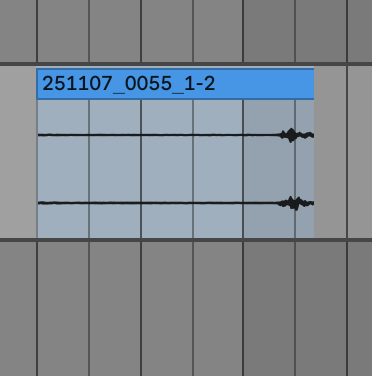
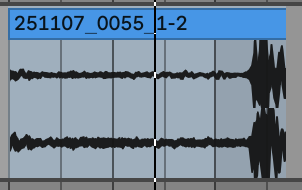
I cleaned up the recordings in Ableton Live as this is the software that I will be making my sound study in, it’s also got a wide range to tools that can be used to clean up audio to incredibly high quality. There were two main issues with my field recordings, the first being that they were very long and the second being that they were either very quiet or very loud. (The latter issue was caused by me experimenting with the gain between recordings) I listened through all the recordings and chopped up the parts where the best sounds were. This meant that I was able to effectively build up a little sample library to build my piece with, which would be much easier to work with as opposed to a combined over 15 minutes of field recordings.
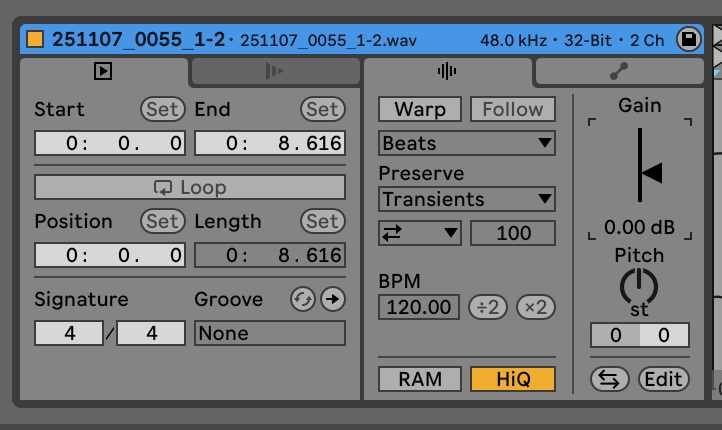
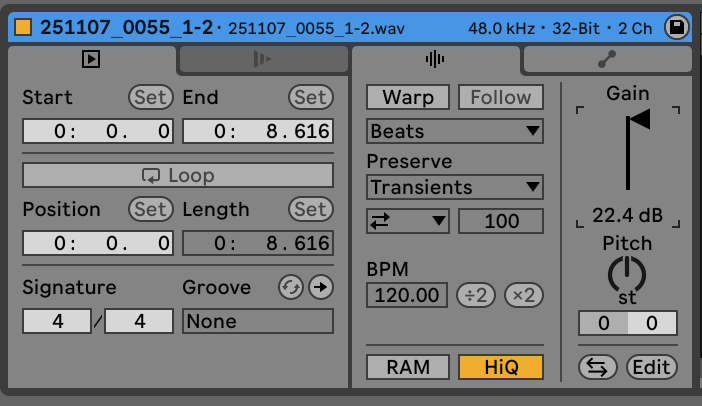
After I had chopped up and selected all my good sounds, I had to make them usable. The first step of this process was to sort out the volume of each sound, most of them were on the quieter side, especially the recordings of wind and the general atmosphere of the reserve. Ableton has a very useful feature where you can select and edit audio regions that are within the project. One of these features is a gain dial which allows you to increase or decrease the volume of your audio.